A laptop alone gets the job done, but the right accessories transform how you work. Whether you're setting up a home office, upgrading your travel kit, or building a dual-monitor workstation, this guide covers the accessories that make a measurable difference in productivity and comfort.
Laptop Protection: Cases and Screen Protectors
Your laptop goes everywhere with you, which means it takes a beating. A hardshell case prevents dents and scratches from daily use, while a screen protector guards against keys pressing into the display when closed.
For MacBook Pro 14 owners, a 14-inch polycarbonate hardshell case provides slim protection without adding noticeable weight. Available in multiple sizes to fit 13.5", 14", and 15" models.
A laptop screen protector with anti-glare coating serves double duty — it prevents scratches and reduces reflections from windows and overhead lights. The 99% clarity rating means you won't notice it's there.
External Peripherals: Mouse and Keyboard
The trackpad is fine for quick tasks, but for sustained work, a real mouse and keyboard are essential for comfort and speed.
Wireless Vertical Mouse
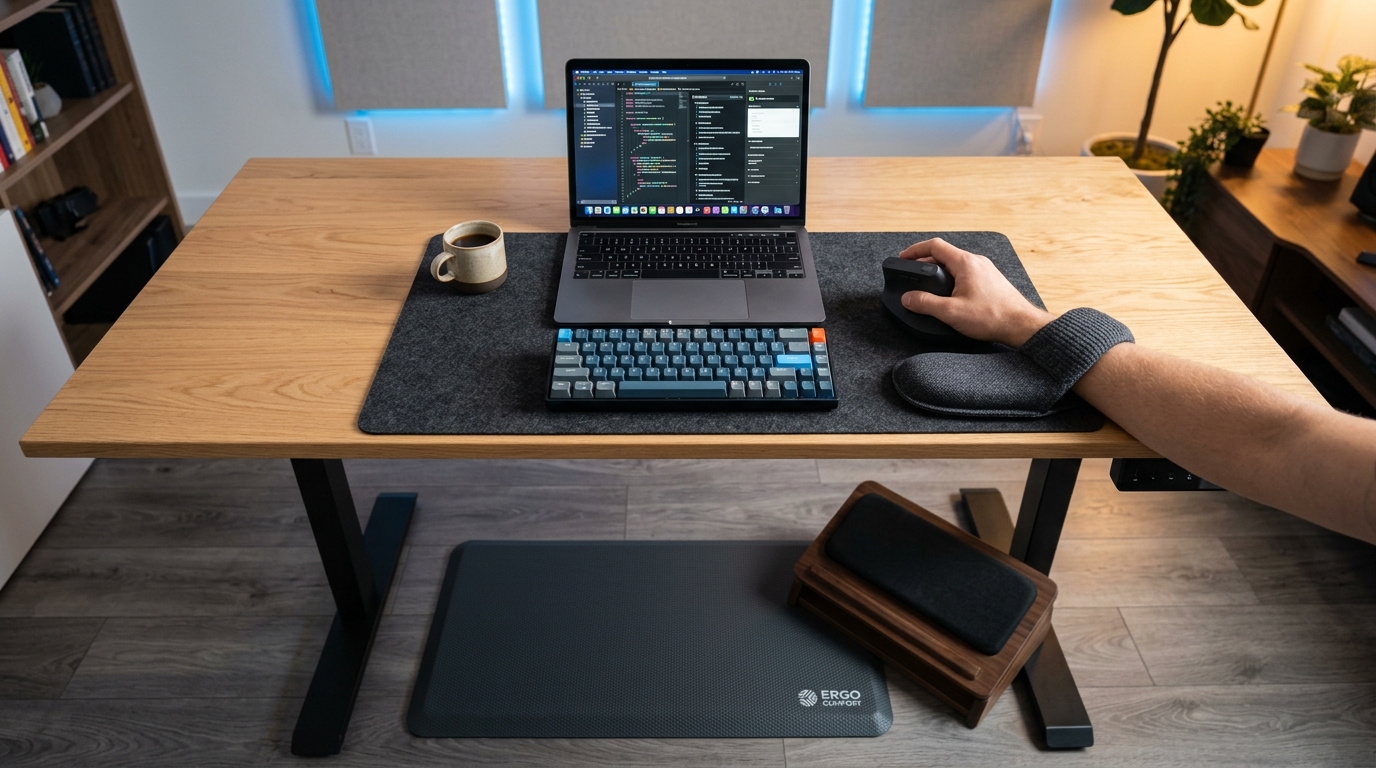
If you experience wrist discomfort after long computing sessions, a wireless vertical mouse positions your hand in a "handshake" position that reduces forearm twisting. It takes a day or two to adjust, but the long-term comfort improvement is significant.
Programmable Split Keyboard
For serious typists and programmers, a programmable split keyboard separates the left and right halves, allowing your shoulders to rest naturally. The split design reduces ulnar deviation — the sideways bending of your wrists that contributes to carpal tunnel syndrome.
Connectivity: Adapters and Docks
Modern laptops keep getting thinner, which means fewer ports. A reliable adapter ensures you can connect to any display or peripheral.
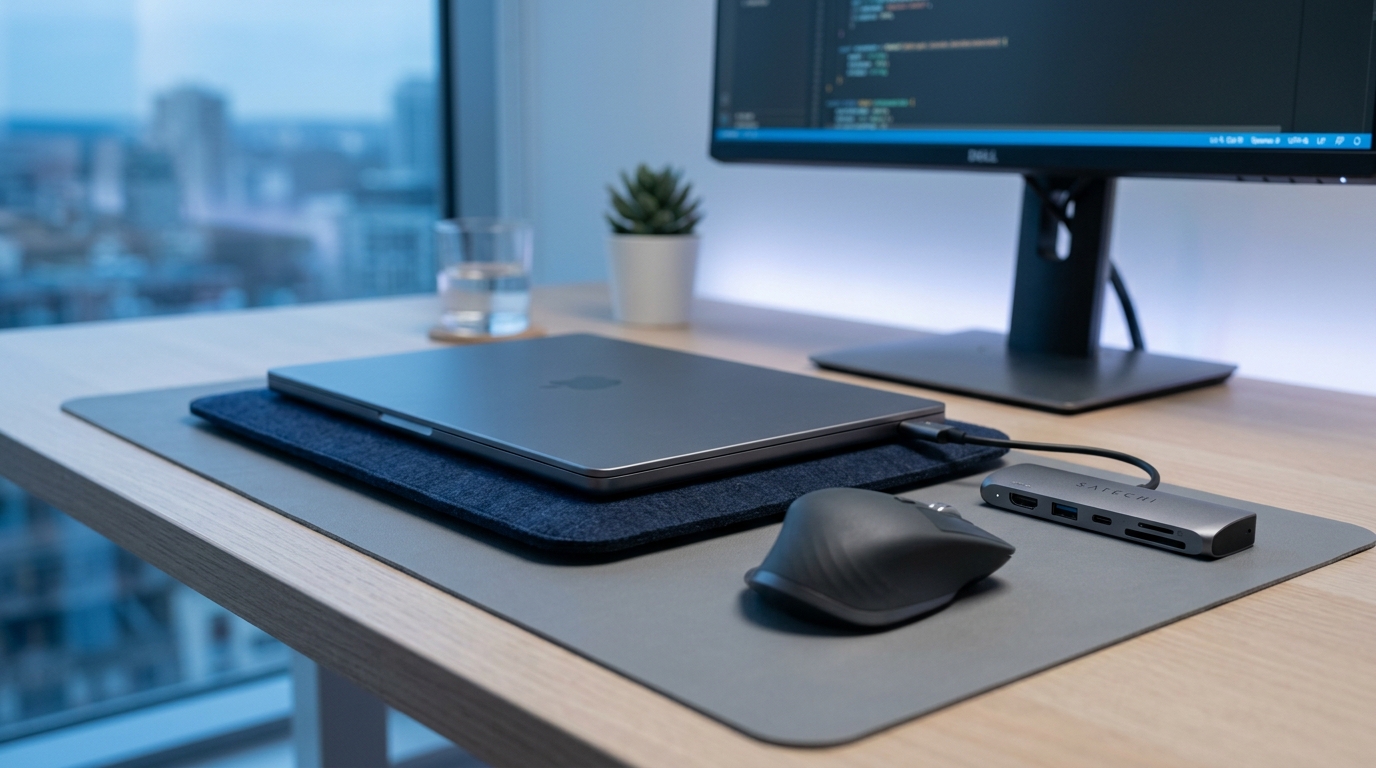
The USB-C to HDMI adapter supports 4K resolution at 60Hz, making it perfect for connecting to external monitors, projectors, or TVs. The aluminum housing matches your laptop's build quality and aids in heat dissipation.
Video: 4K Webcam
Your laptop's built-in camera is likely 720p — fine for quick calls, but not for professional meetings or streaming. A 4K Ultra HD webcam with autofocus delivers sharp, well-lit video that makes you look professional on every call. The built-in privacy shutter gives peace of mind when the camera isn't in use.
Display: Dual Monitor Arm
If you use external monitors, a steel dual monitor arm frees up desk space and allows you to position screens at the perfect height and angle. Proper monitor height reduces neck strain — the top of your screen should be at or slightly below eye level.
Tablet Protection: iPad Folio Case
If you use an iPad as a secondary device, a folio case with auto wake/sleep protects your tablet while adding convenience. The magnetic cover automatically wakes the iPad when opened and puts it to sleep when closed, preserving battery life.
Building Your Setup
Start with protection (case + screen protector), then add input devices (mouse + keyboard), then connectivity (adapter), then display (webcam + monitor arm). This order prioritizes the accessories with the biggest daily impact first.
FAQ
Do I need a laptop case if I use a sleeve?
A sleeve protects your laptop during transport but not during use. A hardshell case protects your laptop while you're actively using it — which is when most accidental damage occurs from drops, bumps, and surface scratches. For full protection, use both.
Is a vertical mouse really better for your wrist?
Yes, for most people. A vertical mouse reduces forearm pronation (the rotation that puts your palm face-down), which is a major contributor to wrist strain. It takes 1-3 days to adjust to the new grip angle, but most users report significant comfort improvement after the adjustment period.
What resolution webcam do I need for video calls?
1080p is the minimum for professional video calls. 4K is ideal if you present frequently, stream, or record content — it provides sharper detail and better low-light performance. The difference is especially noticeable on larger displays.
Can a dual monitor arm hold any monitor size?
Most dual monitor arms support monitors up to 27 inches and about 17 pounds per arm. Check the weight and VESA mount compatibility of your monitors before purchasing. Our steel dual monitor arm fits standard 75x75mm and 100x100mm VESA patterns.
Ready to Upgrade Your Tech?
Browse our full collection of quality tech accessories at honest prices.
Shop All Products