If you work at a desk for hours each day, small ergonomic problems compound into real pain — back aches, wrist strain, neck stiffness, and eye fatigue. The good news is that most of these issues are preventable with simple adjustments to your workspace. Here are 7 changes you can make today.
1. Position Your Monitor at Eye Level
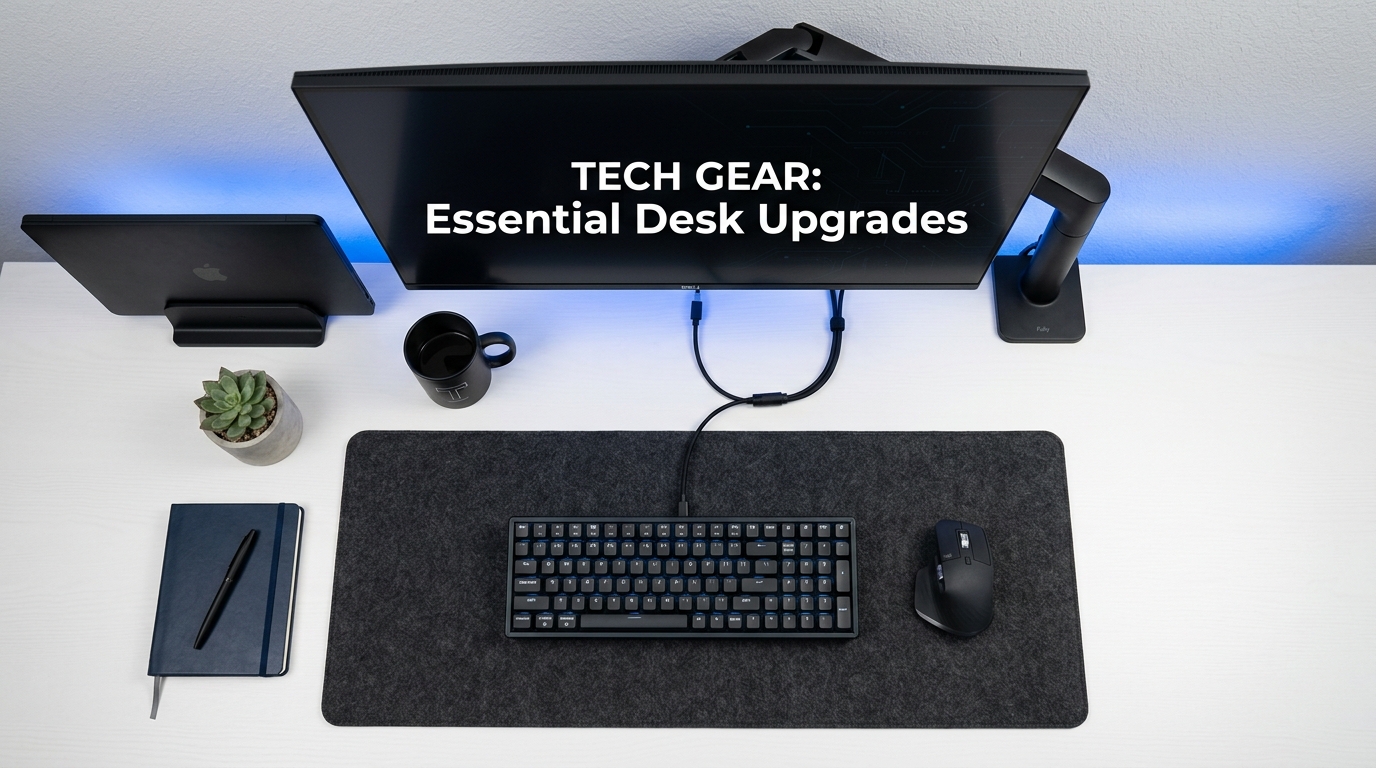
The top of your monitor screen should be at or slightly below eye level. If your monitor sits directly on the desk, you're likely looking down — which strains your neck and upper back. A monitor arm allows precise height and angle adjustment, and frees up desk space underneath.
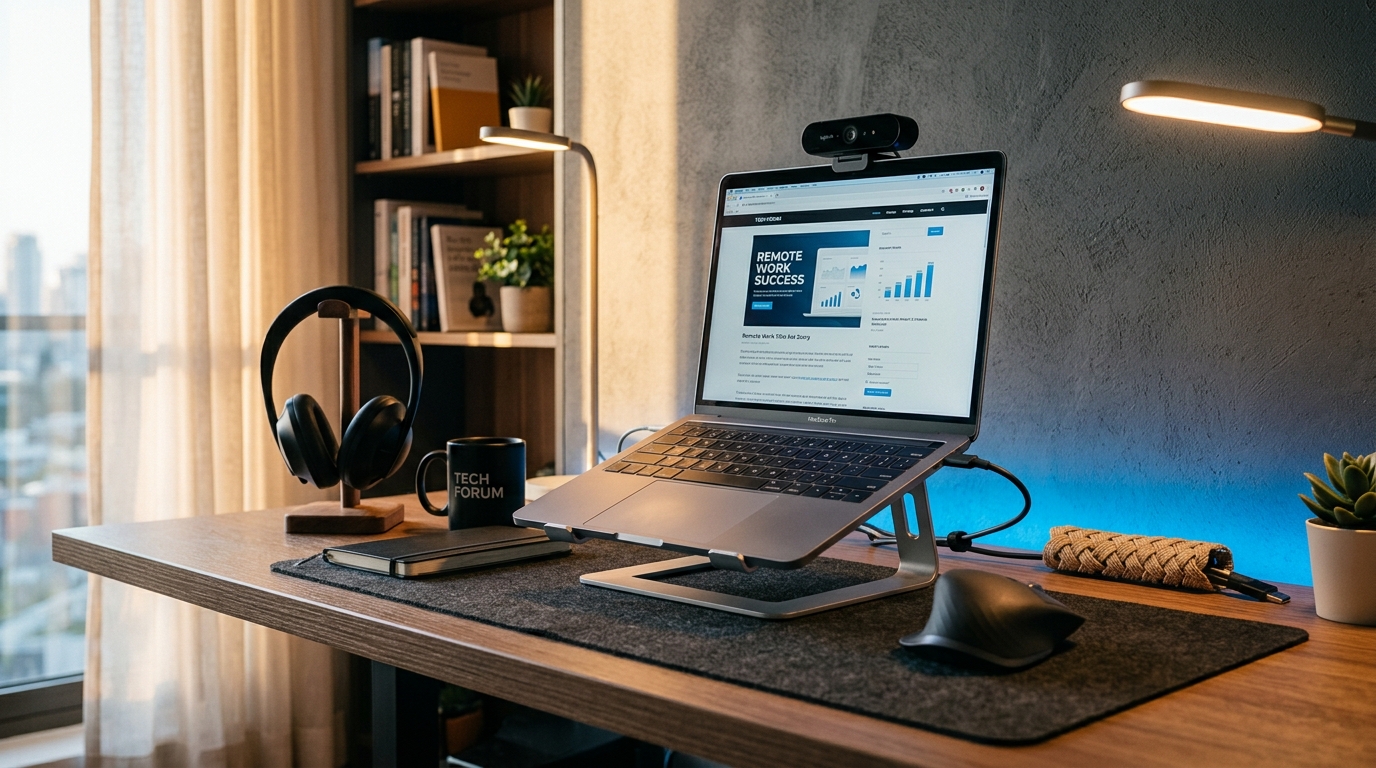
If you use a laptop as your primary screen, raise it on a stand or arm and use an external keyboard and mouse. Looking down at a laptop for hours is one of the most common causes of neck pain.
2. Support Your Wrists While Typing
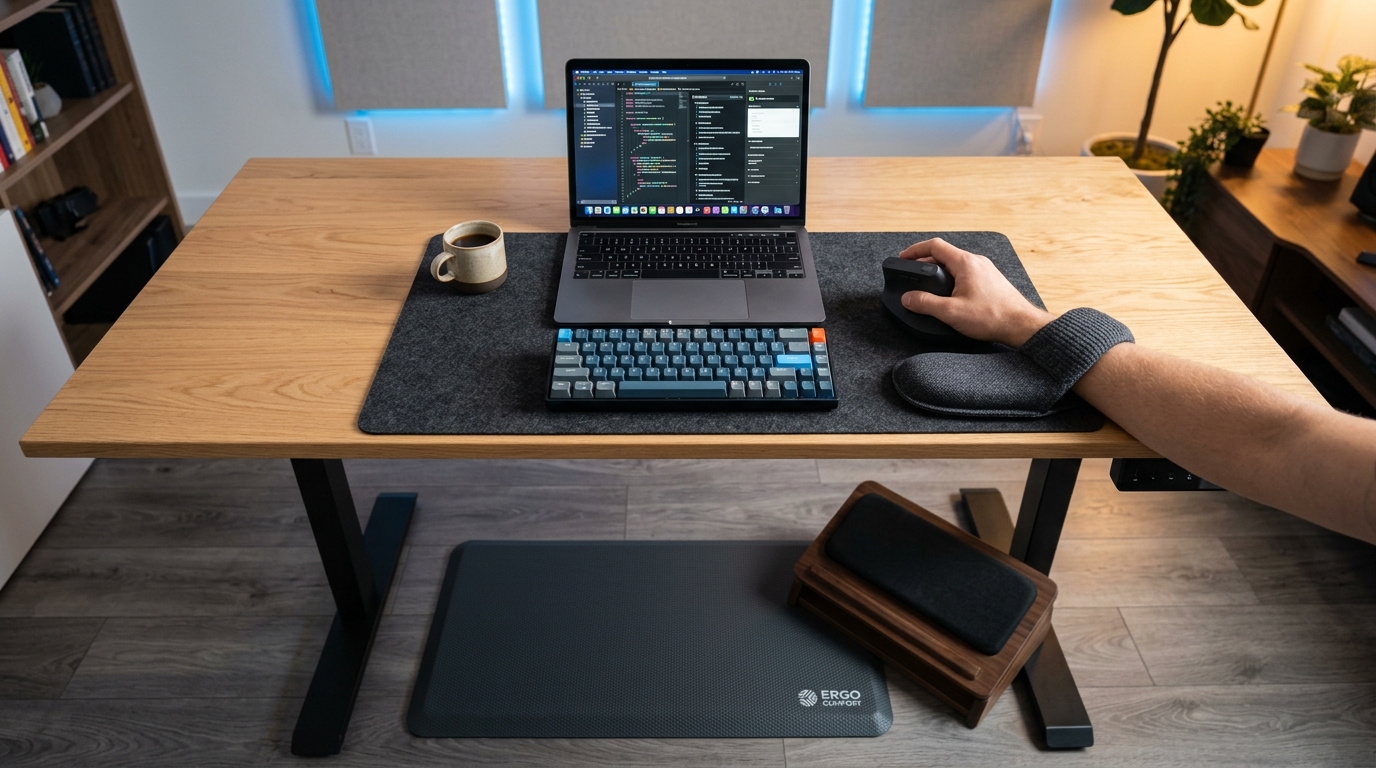
Your wrists should be in a neutral position — not bent up or down — while typing. A memory foam wrist rest set provides cushioned support for both your keyboard and mouse, keeping your wrists straight and reducing pressure on the carpal tunnel.
The memory foam conforms to your wrist shape, distributing pressure evenly. This is especially important if you type for more than 2 hours per day.
3. Use a Foot Rest for Proper Leg Positioning
Your feet should rest flat on the floor with your knees at roughly 90 degrees. If your chair is too high (common for shorter individuals), a memory foam foot rest fills the gap, supporting your feet and improving circulation in your legs.
Poor foot positioning causes your lower back to compensate, leading to back pain over time. A foot rest also encourages position changes throughout the day, which reduces fatigue from sitting in one posture.
4. Add an Anti-Fatigue Mat for Standing Desks
If you use a standing desk, standing on a hard floor for extended periods causes fatigue in your feet, knees, and lower back. A foam standing desk mat with a rubber base provides cushioning that encourages micro-movements in your legs, reducing fatigue and improving circulation.
The 24 x 36 inch size gives you room to shift your stance, and the 0.75 inch thickness provides enough cushioning to make a noticeable difference without being unstable.
5. Switch to an Ergonomic Keyboard
Standard keyboards force your hands close together, causing your forearms to angle inward. A split keyboard separates the left and right key clusters, allowing your shoulders and arms to rest in a natural position.
The adjustment period is typically 3-7 days. Start by using it for an hour at a time, then gradually increase. Once you're comfortable, you'll notice reduced tension in your shoulders and wrists.
6. Use a Vertical Mouse
A standard mouse forces your forearm into full pronation (palm down). A vertical mouse rotates your hand into a "handshake" position, which is closer to neutral. This reduces strain on the tendons in your forearm and wrist.
Look for a vertical mouse with adjustable DPI settings so you can fine-tune cursor sensitivity to your preference. 1600 DPI is a good default for most users.
7. Take Movement Breaks Every 45 Minutes
No ergonomic setup can compensate for staying in one position too long. Set a timer to stand up, stretch, and walk around for 2-3 minutes every 45 minutes. This improves blood circulation, reduces eye strain, and resets your posture.
Combine this with the 20-20-20 rule for eye strain: every 20 minutes, look at something 20 feet away for 20 seconds.
FAQ
How long does it take to adjust to ergonomic accessories?
Most ergonomic accessories have a 3-7 day adjustment period. Split keyboards and vertical mice feel awkward at first because your muscles are used to non-ergonomic positions. Stick with it — after a week, the new position will feel natural and you'll notice reduced discomfort.
Do I need all of these accessories?
No. Start with the items that address your specific pain points. If you have neck pain, prioritize monitor height adjustment. If you have wrist pain, start with a wrist rest and vertical mouse. If you have back pain, focus on foot positioning and standing desk setup.
Are standing desks actually better for you?
Standing desks aren't inherently better than sitting desks — the key is alternating between sitting and standing. If you stand all day, you'll develop different problems (foot and knee fatigue). Aim for a mix: 30-40 minutes standing, 20-30 minutes sitting, repeated throughout the day.
What is the most important ergonomic adjustment?
Monitor height. Looking down at a screen for hours causes more pain than any other single factor. If you only make one change, raise your monitor so the top of the screen is at eye level.
Ready to Upgrade Your Tech?
Browse our full collection of quality tech accessories at honest prices.
Shop All Products