A well-equipped desk does more than look good — it directly impacts how efficiently you work and how you feel at the end of the day. The right accessories reduce clutter, improve ergonomics, and create an environment where focus comes naturally. Here are the essentials that make the biggest difference.
1. Dual Monitor Arm
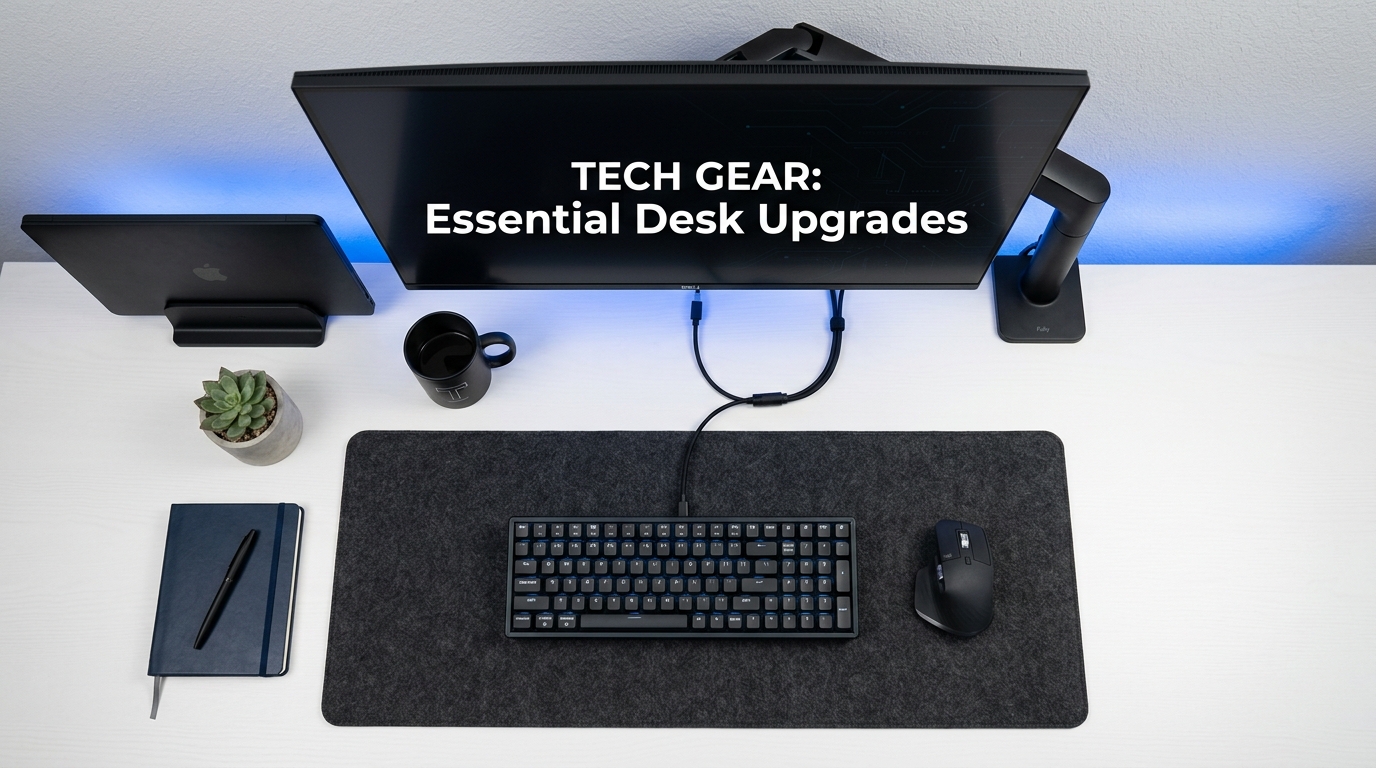
If you use external monitors, a monitor arm is the single biggest upgrade you can make. It frees up the entire desk surface under your monitors, allows precise height and angle adjustment, and cleans up cable clutter.
The steel dual monitor arm supports two monitors up to 27 inches each. The clamp mount attaches to the edge of your desk without drilling, and the adjustable tension allows smooth repositioning with one hand.
Proper monitor positioning — top of screen at eye level, arm's length away — reduces neck strain and eye fatigue. A monitor arm makes this easy to achieve and adjust throughout the day.
2. Anti-Fatigue Desk Mat
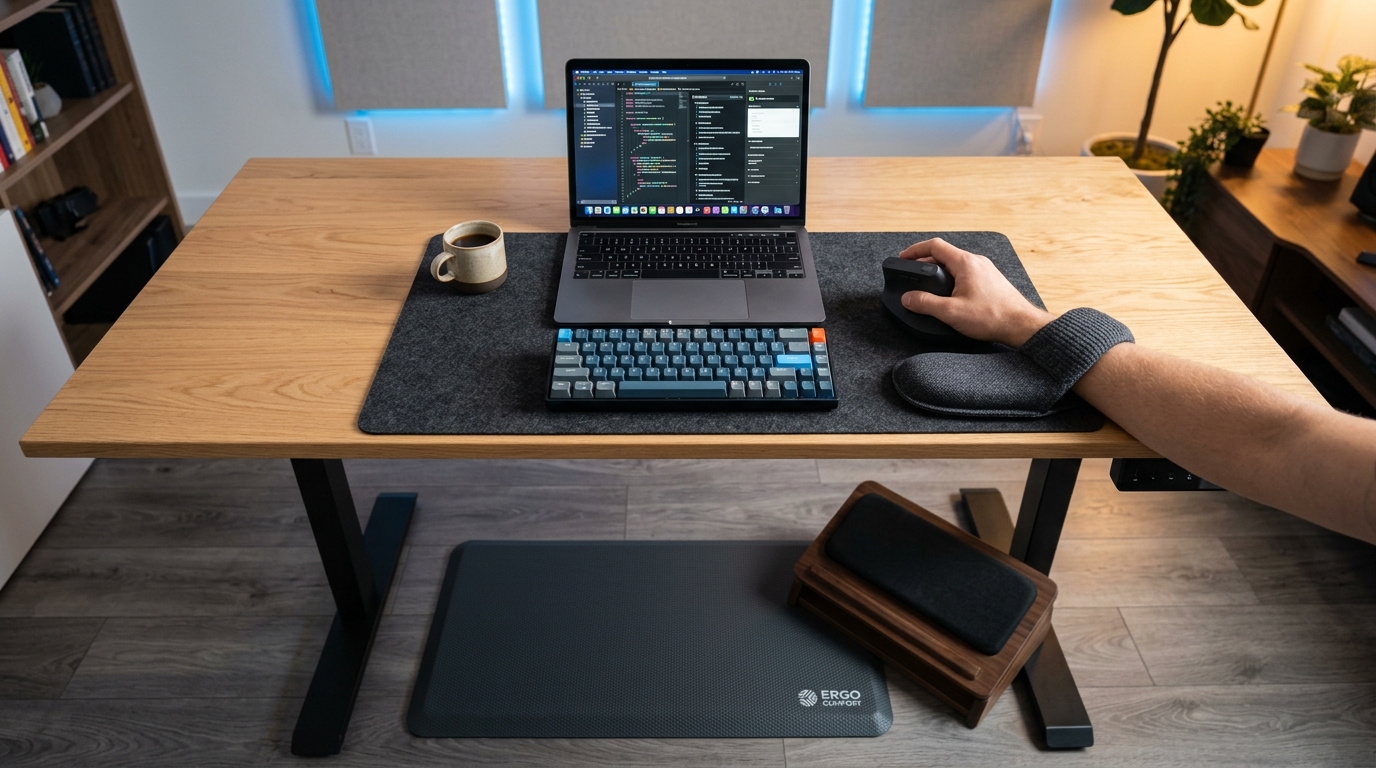
If you use a standing desk, a desk mat (also called an anti-fatigue mat) is essential. Standing on a hard floor for extended periods causes fatigue in your feet, knees, and lower back within 30-45 minutes. A cushioned mat encourages micro-movements that improve circulation and reduce fatigue.
The foam standing desk mat provides 0.75 inches of cushioning with a non-slip rubber base. The 24 x 36 inch size gives you room to shift your stance and find comfortable positions.
3. Wrist Rest Set
Typing and mousing for hours without wrist support leads to discomfort and, over time, repetitive strain injuries. A memory foam wrist rest set keeps your wrists in a neutral position, reducing pressure on the carpal tunnel.
The keyboard and mouse wrist rest set uses memory foam that conforms to your wrist shape. The non-slip base keeps the rests firmly in place, and the breathable cover prevents sweating during long sessions.
4. Ergonomic Mouse
A standard mouse forces your forearm into an unnatural pronated position. A vertical mouse rotates your hand into a more neutral "handshake" grip, reducing strain on your wrist and forearm tendons.
The wireless vertical mouse offers 1600 DPI sensitivity with a USB receiver — no Bluetooth pairing needed. The ergonomic shape fits most hand sizes comfortably.
5. Foot Rest
If your desk height forces your chair too high for your feet to rest flat on the floor, a foot rest fills the gap. Proper foot support improves blood circulation in your legs and reduces lower back strain.
The memory foam foot rest provides adjustable support with a breathable fabric cover. The 17 x 13 inch surface is large enough to accommodate position changes throughout the day.
6. Charging Station
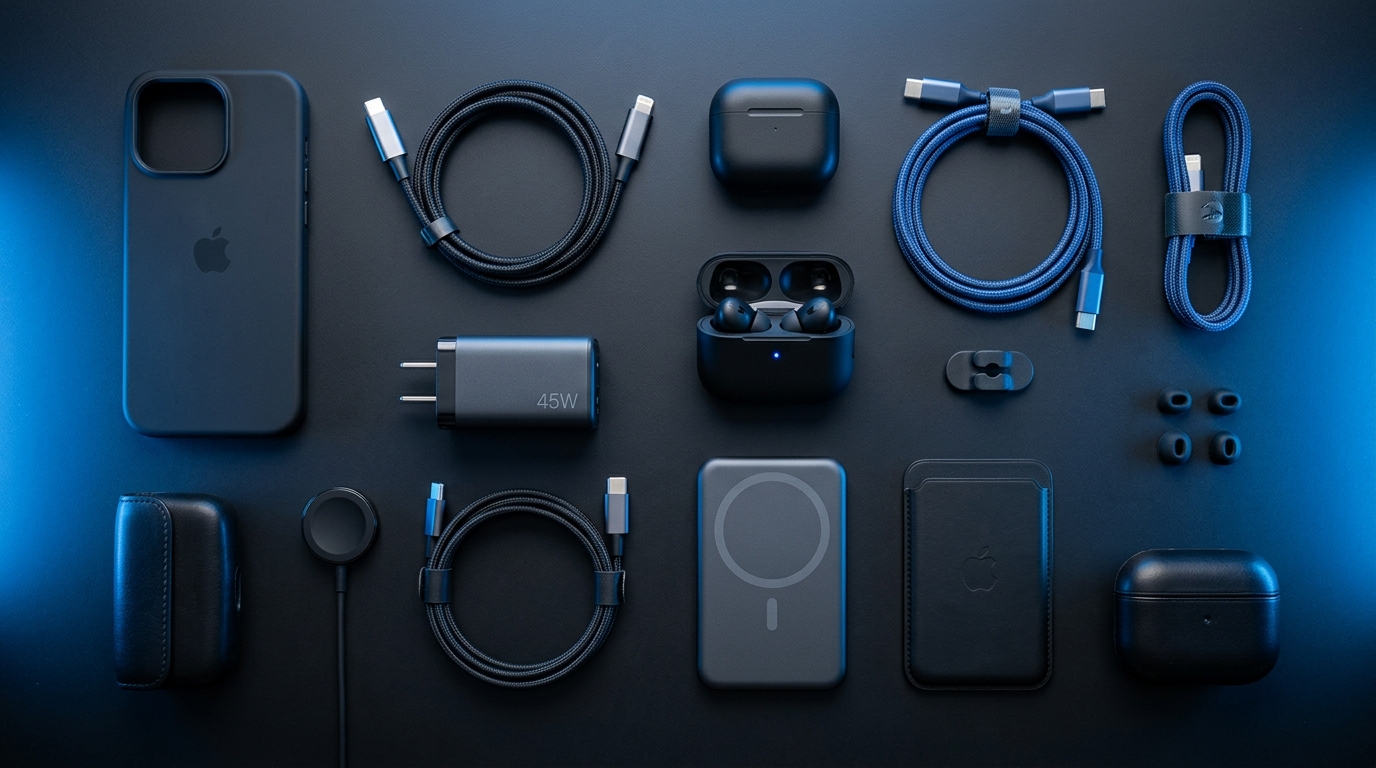
A dedicated charging station keeps your devices powered and organized in one spot. Instead of cables scattered across your desk, everything charges neatly in a single location.
The 3-device charging station charges your phone, earbuds, and smartwatch simultaneously with fast charging support. The compact design takes up minimal desk space while eliminating cable clutter.
7. USB-C to HDMI Adapter
For laptop users, a USB-C to HDMI adapter is the easiest way to connect to an external monitor, TV, or projector. The 4K 60Hz adapter works with both MacBook and Windows laptops, supporting crystal-clear 4K resolution for presentations or extended displays.
8. 4K Webcam
If you take video calls from your desk, your laptop's built-in camera is not doing you justice. A 4K webcam with autofocus delivers professional-quality video with sharp detail and accurate colors. The privacy shutter gives peace of mind when the camera is not in use.
Building Your Ideal Desk Setup
Start with the items that address your biggest pain points:
- Discomfort? Then get a wrist rest + foot rest + ergonomic mouse
- Clutter? Then get a monitor arm + charging station
- Standing desk fatigue? Then get an anti-fatigue desk mat
- Video quality? Then get a 4K webcam
Add one item at a time and notice the difference each makes. Within a few weeks, you will have a workspace that works as hard as you do.
FAQ
What is the most important desk accessory?
If you use external monitors, a monitor arm. It improves ergonomics, frees desk space, and reduces cable clutter all at once. If you do not use external monitors, a wrist rest set provides the most immediate comfort improvement.
How do I manage cables on my desk?
Use a monitor arm with built-in cable management channels, route cables along the underside of your desk with adhesive clips, and consolidate charging into a single charging station. The goal is to have no visible cables on your desk surface.
Is a standing desk mat worth it?
Yes, if you stand for more than 30 minutes at a time. The cushioning reduces fatigue in your feet, knees, and lower back, allowing you to stand comfortably for longer periods. Without a mat, most people give up on standing within a few weeks due to discomfort.
Should I get a vertical mouse or an ergonomic keyboard first?
If you have wrist pain, get the vertical mouse first — it provides more immediate relief. If you have shoulder or forearm tension, the keyboard may be more beneficial. Ideally, get both, but start with whichever addresses your primary discomfort.
Ready to Upgrade Your Tech?
Browse our full collection of quality tech accessories at honest prices.
Shop All Products