Remote work is here to stay, and your setup determines whether you are productive and comfortable or stiff and distracted. You do not need a dedicated office room — you need the right combination of accessories that create a functional workspace anywhere in your home. Here is how to build it.
The Foundation: Laptop Protection and Portability
Your laptop is the center of your remote work setup. Protect it with a hardshell case that prevents damage from daily use, transport, and the occasional bump.
The 14-inch hardshell laptop case provides slim polycarbonate protection for MacBook Pro 14 and similarly sized laptops. Available in 13.5", 14", and 15" sizes to match your device.
Add a laptop screen protector with anti-glare coating to reduce reflections from windows — a common problem in home offices with natural light.
Video Calls: Webcam and Headset
Video calls are a core part of remote work. Your laptop's built-in camera and microphone are adequate at best. For professional-quality calls, upgrade both.
4K Webcam
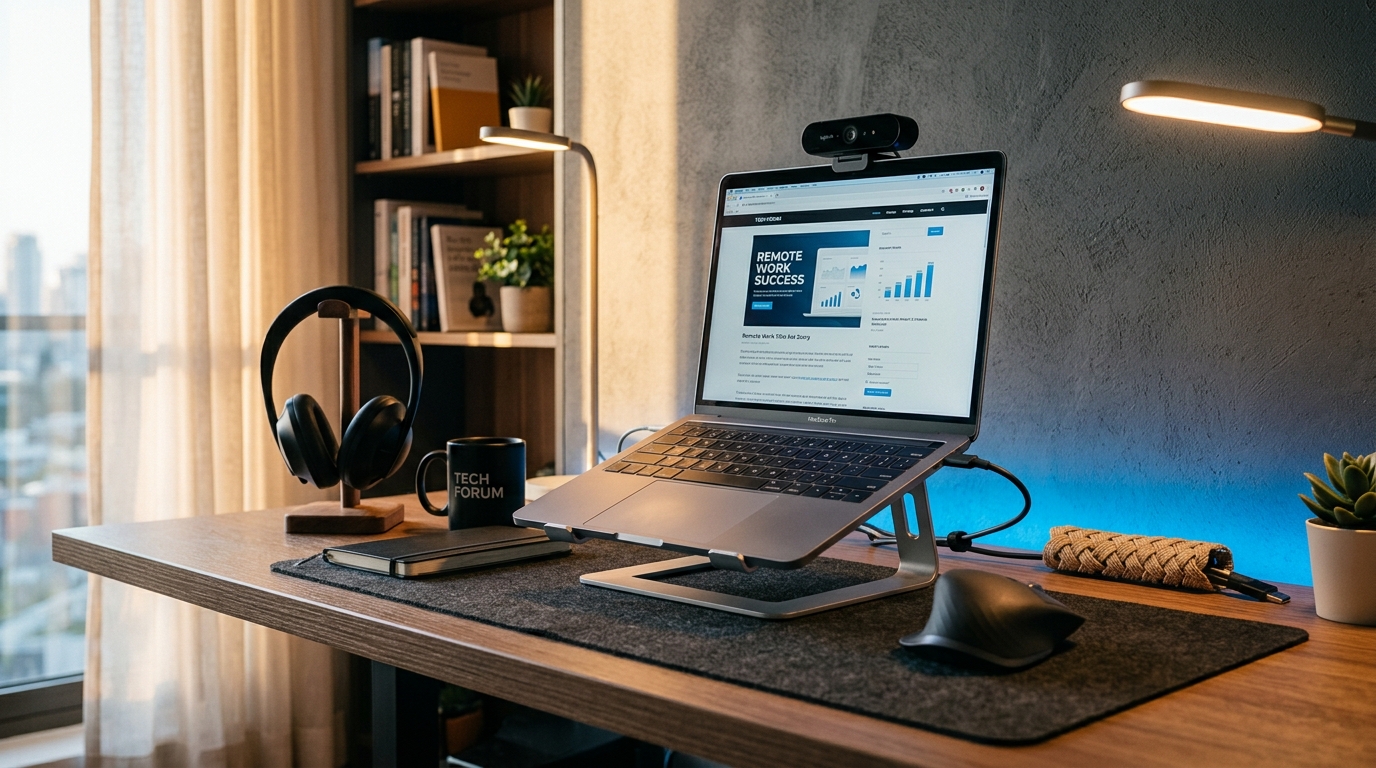
A 4K webcam with autofocus delivers sharp, well-lit video that makes you look professional on every call. Key features to look for:
- Autofocus — keeps you sharp even when you move
- Low-light performance — important for home offices without professional lighting
- Privacy shutter — physical cover when the camera is not in use
- Plug-and-play USB connection — no drivers needed
Gaming Headset for Calls
A good headset blocks background noise (family, pets, traffic) and delivers clear audio. The 7.1 surround sound headset works for both work calls and after-hours gaming. Look for:
- Detachable microphone — removes when you are not on calls
- Breathable ear cushions — comfortable for all-day wear
- Multi-platform compatibility — works with PC, Mac, and consoles
Ergonomics: Mouse, Keyboard, and Support
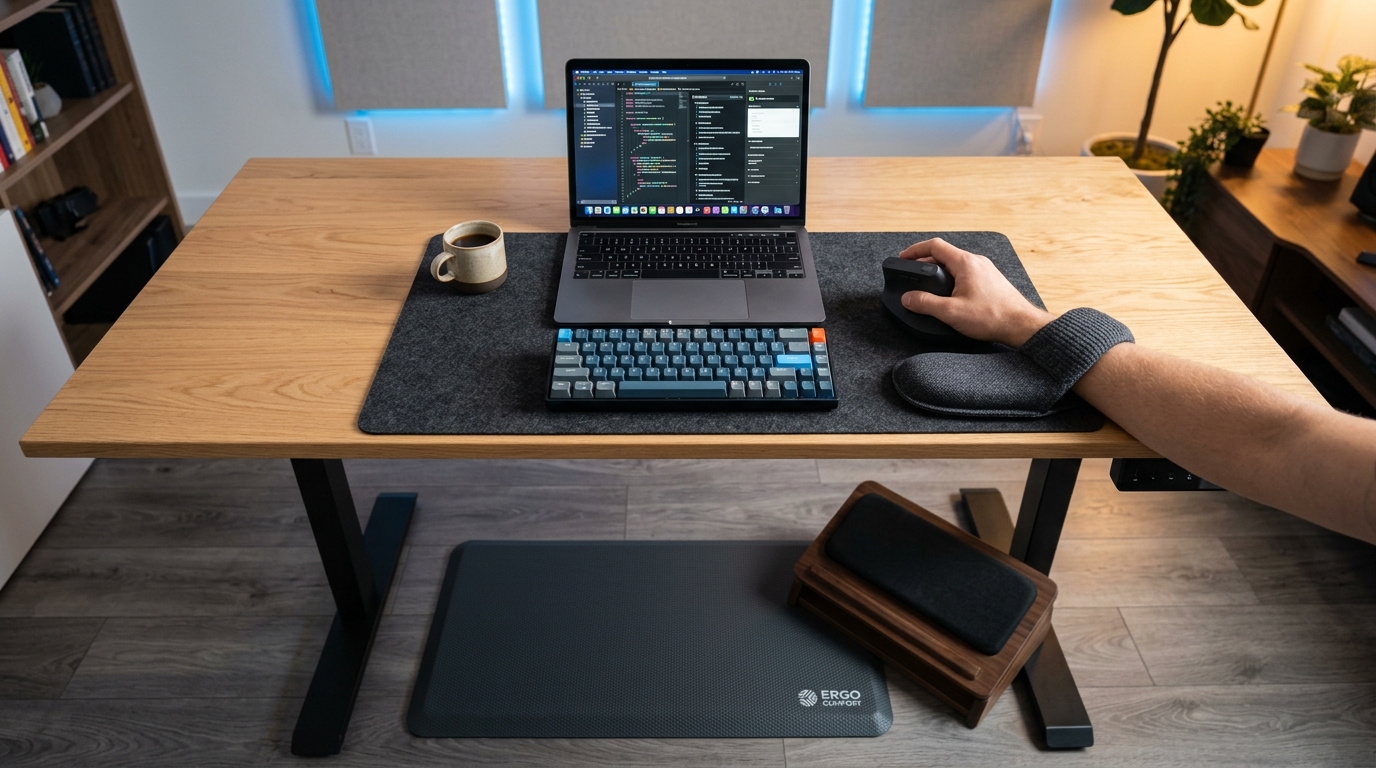
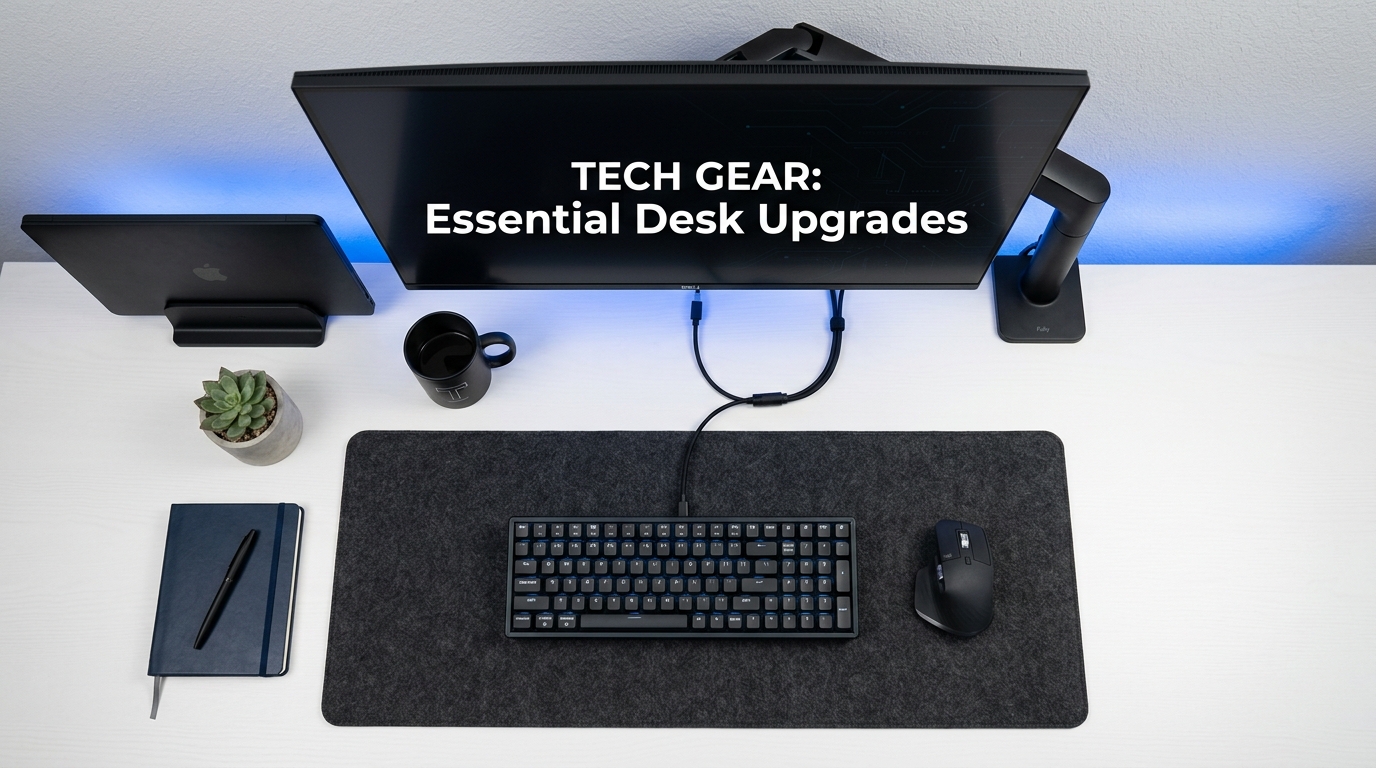
Working from a laptop keyboard and trackpad for 8 hours a day is a recipe for wrist pain. External peripherals make a massive difference.
Wireless Vertical Mouse
The wireless vertical mouse reduces wrist strain by positioning your hand in a natural "handshake" grip. The USB receiver means no Bluetooth pairing hassles — just plug in and work.
Wrist Rest Set
Pair your mouse with a memory foam wrist rest set for both keyboard and mouse. The foam conforms to your wrists, keeping them in a neutral position throughout the workday.
Foot Rest
If your desk height does not allow your feet to rest flat on the floor, a memory foam foot rest fills the gap. Proper foot support improves leg circulation and reduces lower back strain.
Connectivity: Adapters and Charging
Remote work often means connecting to different displays and keeping multiple devices charged.
USB-C to HDMI Adapter
The USB-C to HDMI adapter connects your laptop to any external monitor or TV in 4K resolution. Perfect for dual-screen work or presenting from a conference room.
Charging Station
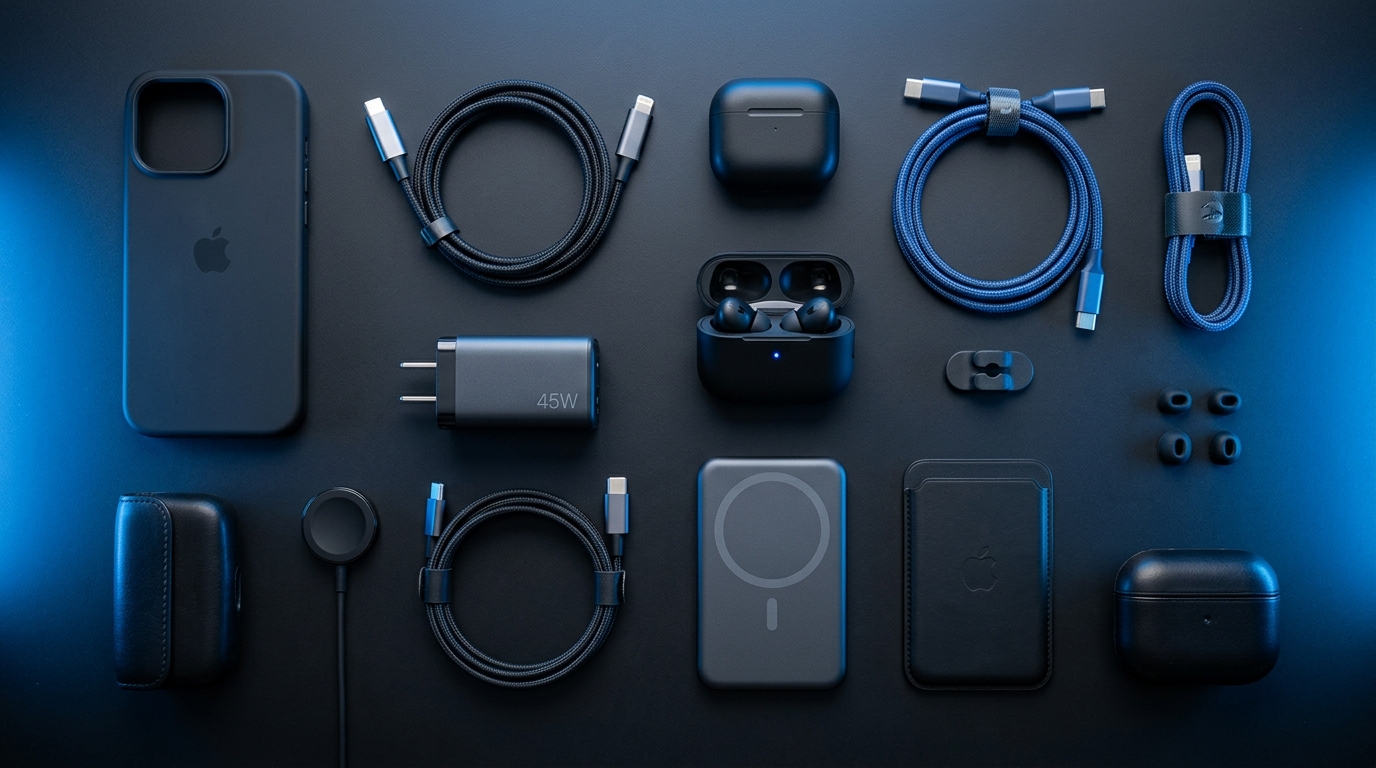
A 3-device charging station keeps your phone, earbuds, and smartwatch charged in one organized spot. No more searching for the right cable.
USB-C Charger
Keep a dedicated 30W USB-C charger at your desk so your laptop and phone are always charging at full speed. A second charger in your bag means you are never caught without power.
Audio for Focus: Noise-Cancelling Headphones
Background noise is the enemy of remote work focus. The active noise-cancelling headphones block ambient sounds with 40 hours of battery life. Use them for:
- Blocking household noise during focused work
- Taking calls without background interference
- Listening to music or podcasts while working
- Creating a "do not disturb" signal to family members
Building Your Setup Step by Step
You do not need to buy everything at once. Here is the recommended order:
- Week 1: Laptop case + screen protector (protection first)
- Week 2: External mouse + wrist rest (immediate comfort)
- Week 3: Webcam + headset (professional calls)
- Week 4: Noise-cancelling headphones (focus)
- Week 5: Charging station + adapter (connectivity)
- Week 6: Foot rest + desk mat (long-term comfort)
FAQ
What do I need for a basic remote work setup?
The absolute minimum: a laptop case, an external mouse, and a headset for calls. These three items address the most common remote work problems — laptop damage, wrist discomfort, and poor call quality. Everything else enhances the experience.
Do I need a 4K webcam for work calls?
Not necessarily — 1080p is sufficient for most work calls. However, 4K provides better image quality, especially in low-light conditions common in home offices. If you present to clients frequently or record content, 4K is worth the investment.
Are noise-cancelling headphones worth it for remote work?
Yes, especially if you work in a shared space, have kids at home, or live in a noisy area. ANC headphones dramatically reduce background noise, allowing you to focus better and take calls without distractions. The productivity improvement alone justifies the cost for most remote workers.
Should I get a docking station or individual adapters?
If you connect multiple monitors and accessories permanently, a docking station is cleaner. If you move between locations or only occasionally connect external displays, individual adapters like the USB-C to HDMI adapter are more portable and cost-effective.
Ready to Upgrade Your Tech?
Browse our full collection of quality tech accessories at honest prices.
Shop All Products