Tech accessories are a market flooded with options — and unfortunately, many of them are overpriced or underwhelming. Knowing how to evaluate quality, check compatibility, and spot genuine value saves you money and frustration. Here are the tips we use ourselves when buying tech accessories.
1. Check Compatibility Before You Buy
The most common mistake is buying an accessory that does not work with your device. Before purchasing, verify:
- Connector type: Does your device have USB-C, Lightning, or another port?
- Charging protocol: Does your device support USB Power Delivery, Quick Charge, or wireless charging?
- Size/dimensions: Will the case, sleeve, or mount fit your specific device model?
- Operating system: Does the accessory work with your OS (iOS, Android, Windows, macOS)?
For example, our USB-C cable works with Android phones and iPhone 15+, but not older iPhones with Lightning ports. Always check before you click "add to cart."
2. Material Quality Matters More Than Brand Name
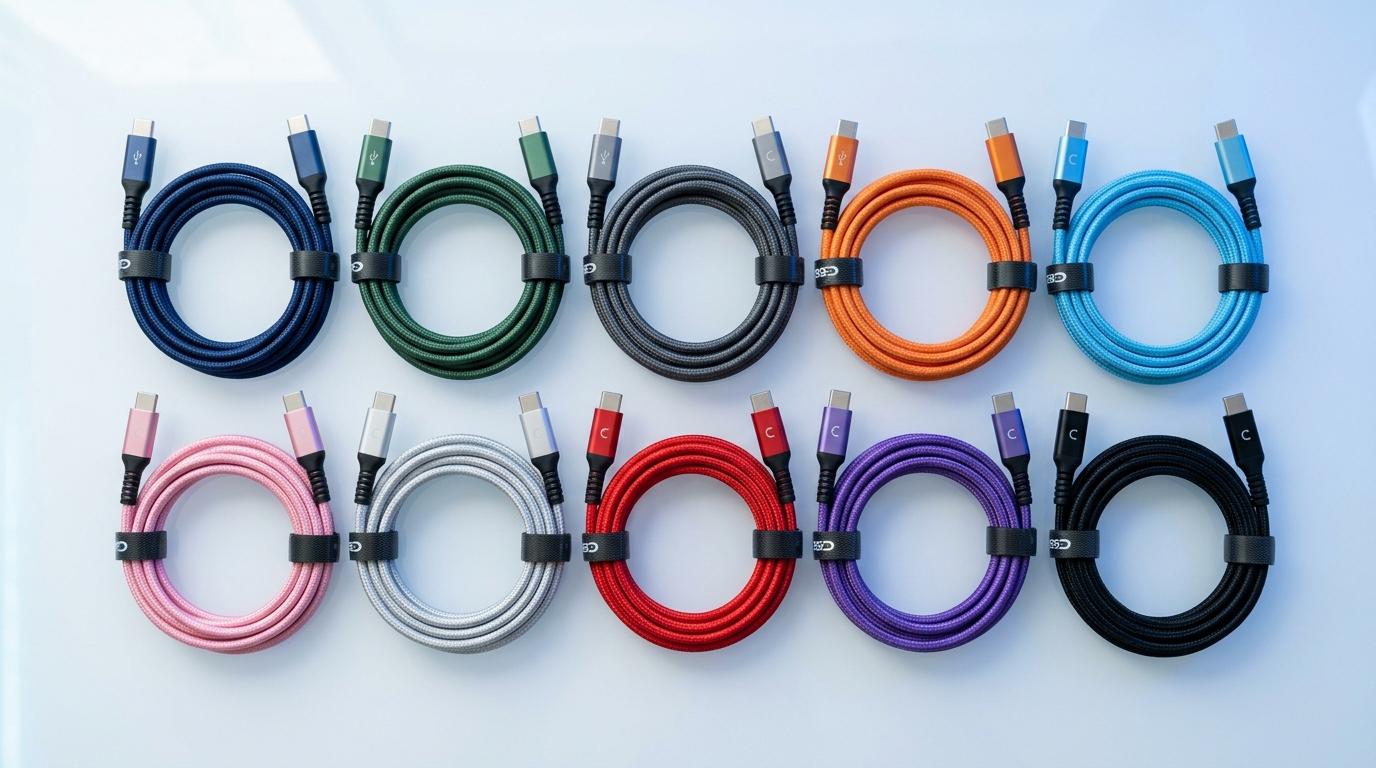
A $15 braided nylon cable from a reputable store can outlast a $40 cable from a big brand. What matters is the material and construction:
- Braided nylon jacket resists fraying and bending damage
- Aluminum housing on adapters dissipates heat better than plastic
- Polycarbonate cases absorb impact better than cheap TPU
- Memory foam in wrist rests provides better support than standard foam
Look at the materials, not just the brand. Our USB-C to HDMI adapter uses aluminum housing for durability and thermal management — a detail that matters for long-term reliability.
3. Do Not Overpay for Features You Will Not Use
Tech accessories often come in tiers with features you may not need. Ask yourself:
- Do you need 100W charging, or is 30W enough for your phone and tablet?
- Do you need a 5-device charging station, or will a 3-device version cover your gear?
- Do you need 4K video output, or is 1080p sufficient for your monitor?
The 30W USB-C charger covers most phones and tablets at full speed. You only need a 100W charger if you are charging a laptop that requires high wattage.
4. Read Reviews — But Know What to Look For
Reviews are valuable, but focus on the right information:
- Long-term reviews (3+ months of use) reveal durability issues that short-term reviews miss
- Reviews from users with your device confirm real-world compatibility
- Complaints about specific features (not general dissatisfaction) are more actionable
- Photos in reviews show actual product quality, not marketing shots
5. Consider the Total Cost of Ownership
A cheap cable that breaks in 6 months costs more over time than a quality cable that lasts 3 years. Calculate cost per year of use:
- $5 rubber cable, 6-month lifespan: $10/year
- $12 braided nylon cable, 3-year lifespan: $4/year
The "expensive" option is actually 60% cheaper per year of use. This principle applies to chargers, cases, and all accessories.
6. Buy from Sellers with Clear Policies
Before buying, check the seller's return and warranty policies:
- Is there a return window if the product does not meet expectations?
- Is there a warranty against manufacturing defects?
- Is customer support reachable by email or phone?
- Are shipping costs reasonable (or free)?
We offer a 30-day return policy on all products, free shipping over $75, and responsive email support at info@computersandcellphones.com.
7. Bundle Related Accessories for Better Value
If you need multiple accessories, buying them together often saves on shipping and ensures compatibility. A logical bundle for a new phone:
- Phone case — protection
- USB-C cable — charging
- USB-C charger — power
- Wireless charger — convenience
Order these together and you will likely qualify for free shipping while getting a complete charging and protection setup.
FAQ
Are expensive tech accessories always better?
No. Price often reflects brand premium rather than quality. Focus on materials, construction, and specifications rather than price or brand name. A well-made $18 case can protect just as well as a $50 case. The key is knowing what makes a quality product.
How do I know if a charger is safe for my device?
Modern devices with USB-C use Power Delivery, which negotiates safe charging levels automatically. Any PD-compatible charger will safely charge any PD-compatible device — the device only draws the power it needs. Avoid ultra-cheap no-name chargers, as they may lack proper safety certifications.
Should I buy accessories from the same brand as my device?
Not necessarily. First-party accessories (from Apple, Samsung, etc.) are often significantly more expensive than equivalent third-party options. As long as the accessory is compatible and well-made, a third-party product offers the same functionality at a better price.
When is the best time to buy tech accessories?
Tech accessories go on sale during major shopping events (Black Friday, Cyber Monday, Prime Day). However, if you need an accessory now — especially a charger or case — buy it now. The cost of a damaged device or dead battery far exceeds any savings from waiting for a sale.
Ready to Upgrade Your Tech?
Browse our full collection of quality tech accessories at honest prices.
Shop All Products