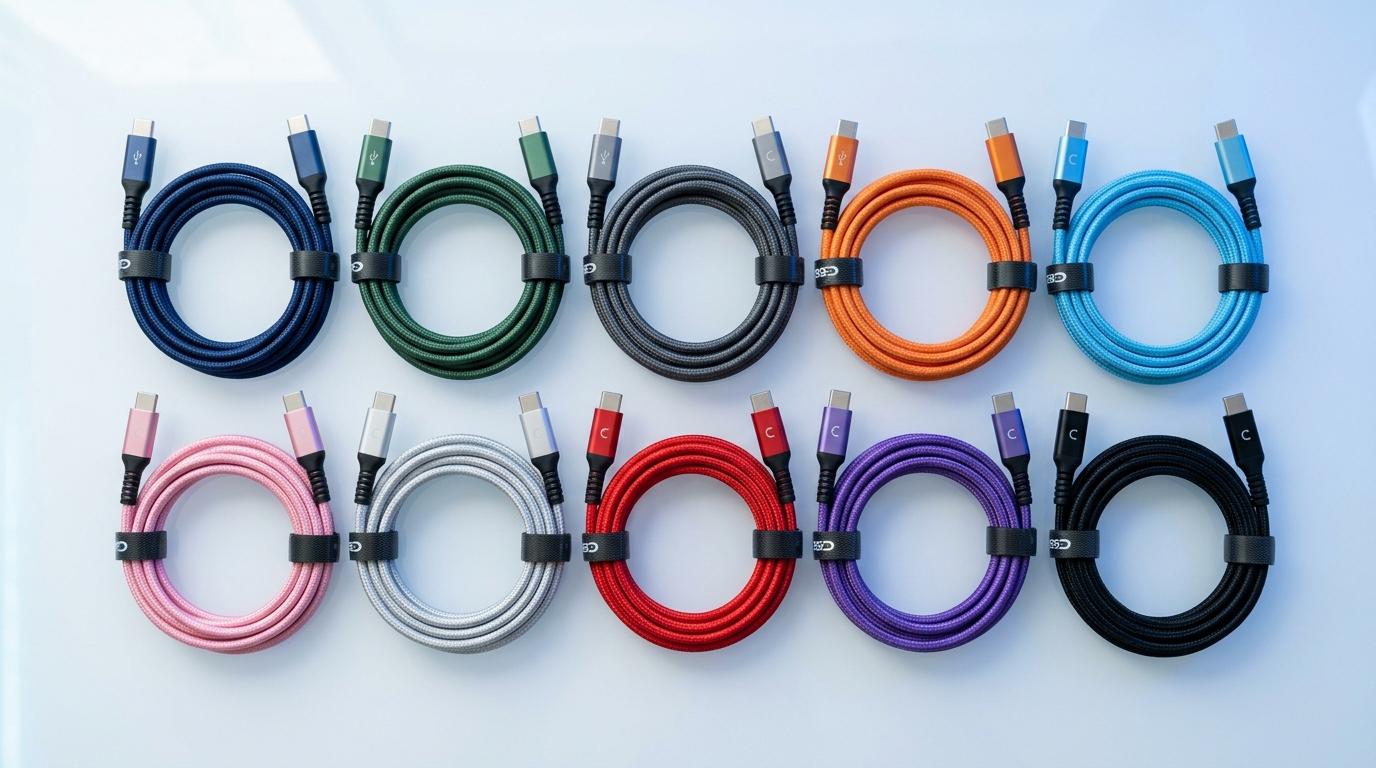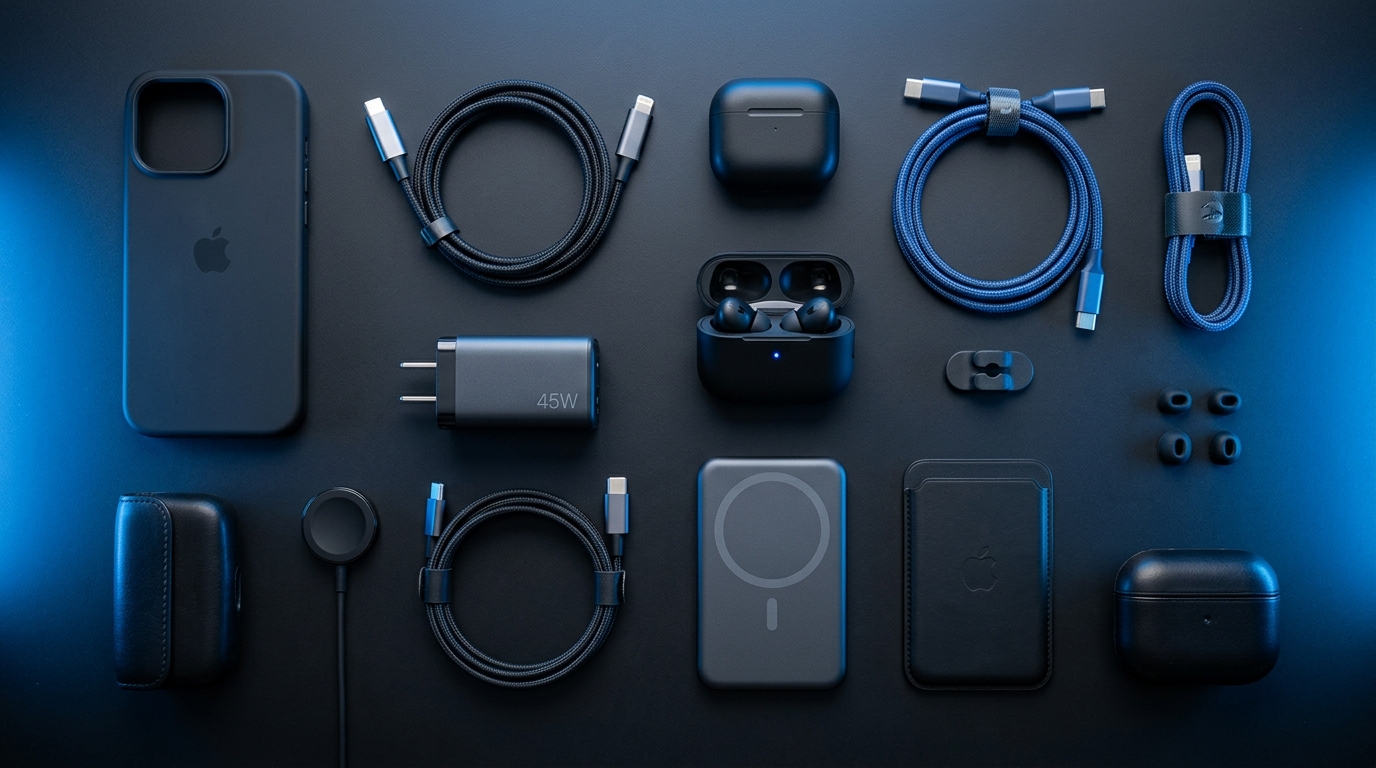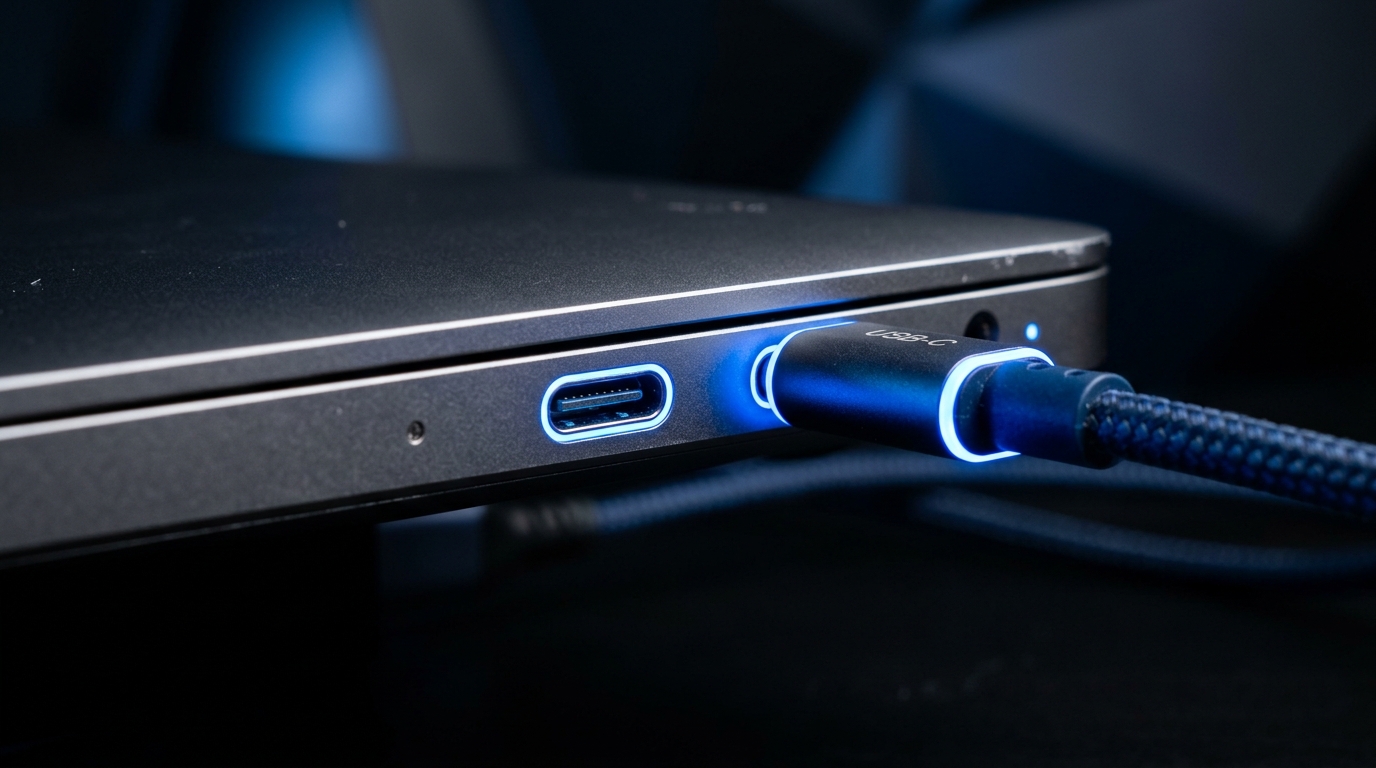
USB-C is the small, reversible connector found on almost every modern device — phones, laptops, tablets, headphones, and accessories. But despite looking identical, USB-C cables and ports can have very different capabilities. This guide explains what is going on inside that small connector.
What Is USB-C?
USB-C is a connector shape — a small, oval, reversible plug that goes in either way up. That is where the simplicity ends. Behind the connector, USB-C can carry different protocols for charging, data transfer, and video output. The connector is the same; what flows through it varies.
Think of USB-C as a pipe. The pipe is the same size, but what flows through it — water, gas, or electricity — depends on what is connected at each end. Similarly, a USB-C port might support charging only, charging + data, or charging + data + video, depending on the device's capabilities.
USB Power Delivery (PD)
USB Power Delivery is the charging protocol that runs over USB-C. PD allows negotiated power delivery up to 240W (in the latest PD 3.1 spec), though most devices use much less:
- Phones: typically 18-45W
- Tablets: typically 30-45W
- Laptops: typically 45-100W
- Large laptops/monitors: 100-240W
When you plug a device in, the charger and device communicate to agree on a safe power level. This means you can use a 100W laptop charger to charge your phone — it will only deliver the power your phone requests. Our 30W USB-C charger handles phones and tablets at full speed.
Data Transfer Speeds
USB-C can carry several different data protocols, and the speed depends on which one your cable and devices support:
- USB 2.0: 480 Mbps — basic data transfer, found on cheap cables
- USB 3.2 Gen 1: 5 Gbps — standard for most USB-C cables
- USB 3.2 Gen 2: 10 Gbps — faster transfers, common on newer devices
- USB 4: 40 Gbps — high-speed, found on newer laptops
- Thunderbolt 4: 40 Gbps — highest performance, Intel-certified
Here is the catch: all of these use the same USB-C connector. You cannot tell the speed by looking at the cable. Always check the specifications before buying.
Video Output Over USB-C
USB-C can also carry video signals using "DisplayPort Alternate Mode" or Thunderbolt. This allows you to connect an external monitor directly from your laptop's USB-C port.
The USB-C to HDMI adapter converts the DisplayPort signal from your USB-C port to HDMI, supporting 4K resolution at 60Hz. This is perfect for connecting to monitors, TVs, or projectors.
Not all USB-C ports support video output. Check your device specifications for "DisplayPort Alt Mode" or "Thunderbolt" support.
Choosing the Right USB-C Cable
When buying a USB-C cable, match it to your use case:
- Charging only: Any USB-C cable works, but a PD-rated cable charges faster. Our braided nylon USB-C cable supports fast charging for Android and iPhone 15+.
- Charging + data: Look for USB 3.2 Gen 1 or Gen 2 ratings
- Charging + data + video: Look for Thunderbolt or USB 4 cables
USB-C vs Lightning
Apple's Lightning connector was introduced in 2012 and served iPhones until the iPhone 15 switched to USB-C in 2023. USB-C offers several advantages over Lightning:
- Higher power delivery (up to 240W vs Lightning's 12W)
- Faster data transfer (up to 40 Gbps vs Lightning's 480 Mbps)
- Video output support
- Universal compatibility across devices
FAQ
Are all USB-C cables the same?
No. While they look identical, USB-C cables can support different power levels, data speeds, and features. A $5 USB-C cable might only support USB 2.0 speeds (480 Mbps) and basic charging, while a $20 cable might support 10 Gbps data, 100W charging, and 4K video output. Always check the specifications.
Can I use any USB-C charger with any device?
Yes. USB-C with Power Delivery is designed to be universal. The charger and device negotiate the appropriate power level, so a high-wattage charger will safely charge a low-wattage device. However, using a low-wattage charger with a high-wattage device (like a laptop) will result in very slow charging or no charging at all.
Why does not my USB-C to HDMI adapter work?
Your device's USB-C port must support DisplayPort Alternate Mode or Thunderbolt for video output. Not all USB-C ports do — some only support charging and data. Check your device's specifications for video output support over USB-C.
Is USB-C the same as Thunderbolt?
No. Thunderbolt 3 and 4 use the USB-C connector but are a separate, more capable standard. Thunderbolt supports 40 Gbps data, dual 4K video, and daisy-chaining devices. A Thunderbolt port supports USB-C devices, but a standard USB-C port does not support Thunderbolt devices.
Ready to Upgrade Your Tech?
Browse our full collection of quality tech accessories at honest prices.
Shop All Products